
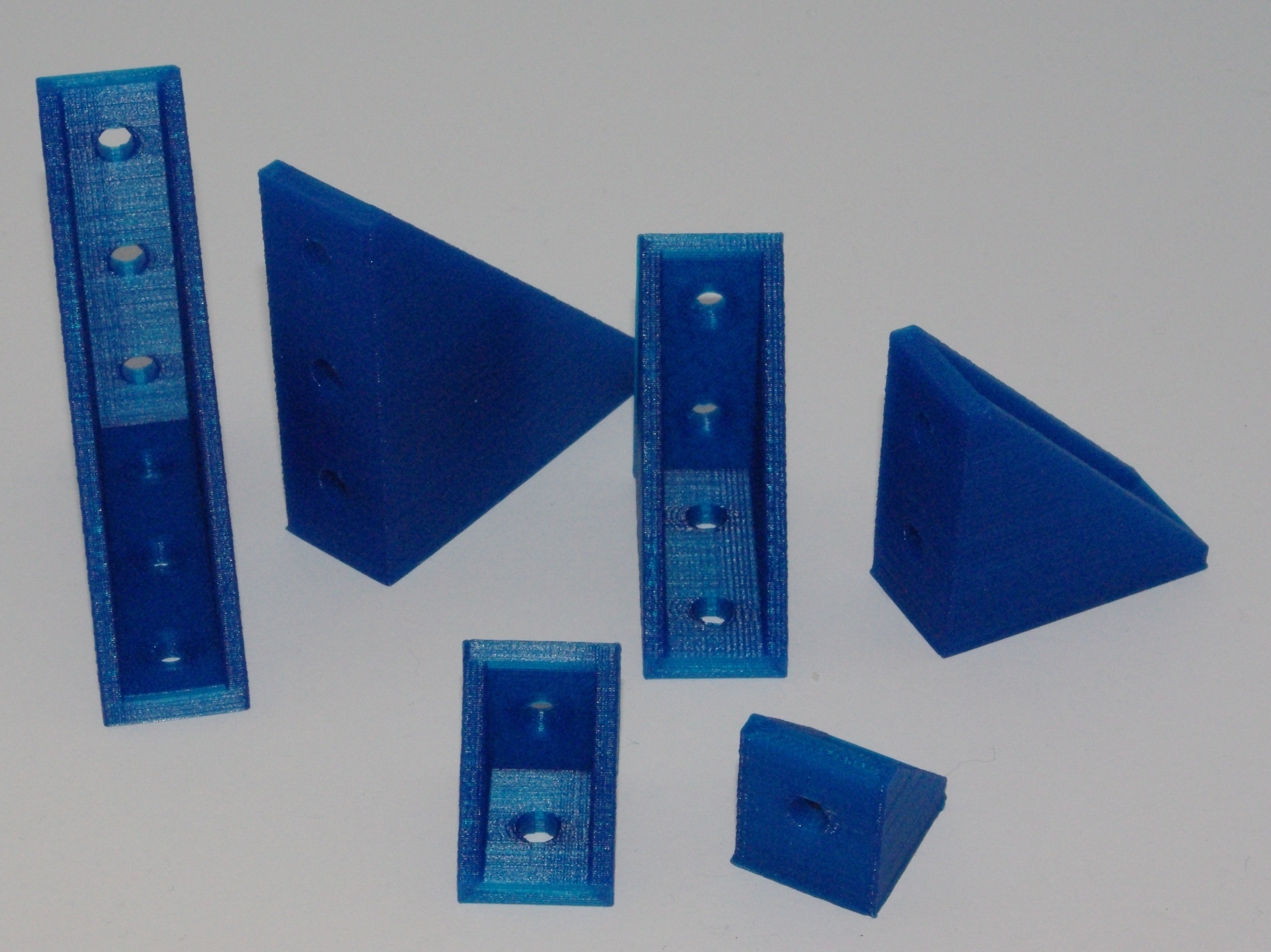
20 mm wide 90 Degrees T-Slot Angle Brackets
April 28, 2014 · claude
3D Printing
20 x 20 x 20 mm, 20 x 40 x 40 mm and 20 x 60 x 60 mm 90 degrees T-Slot brackets.
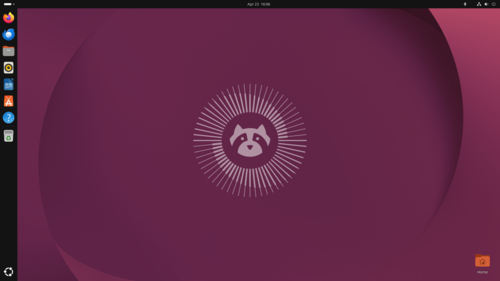
How to display the version of Ubuntu you are running
April 18, 2014 · claude
Ubuntu 11.10
Ubuntu 11.04
Ubuntu
+1
From a terminal window, type in:
lsb_release -a
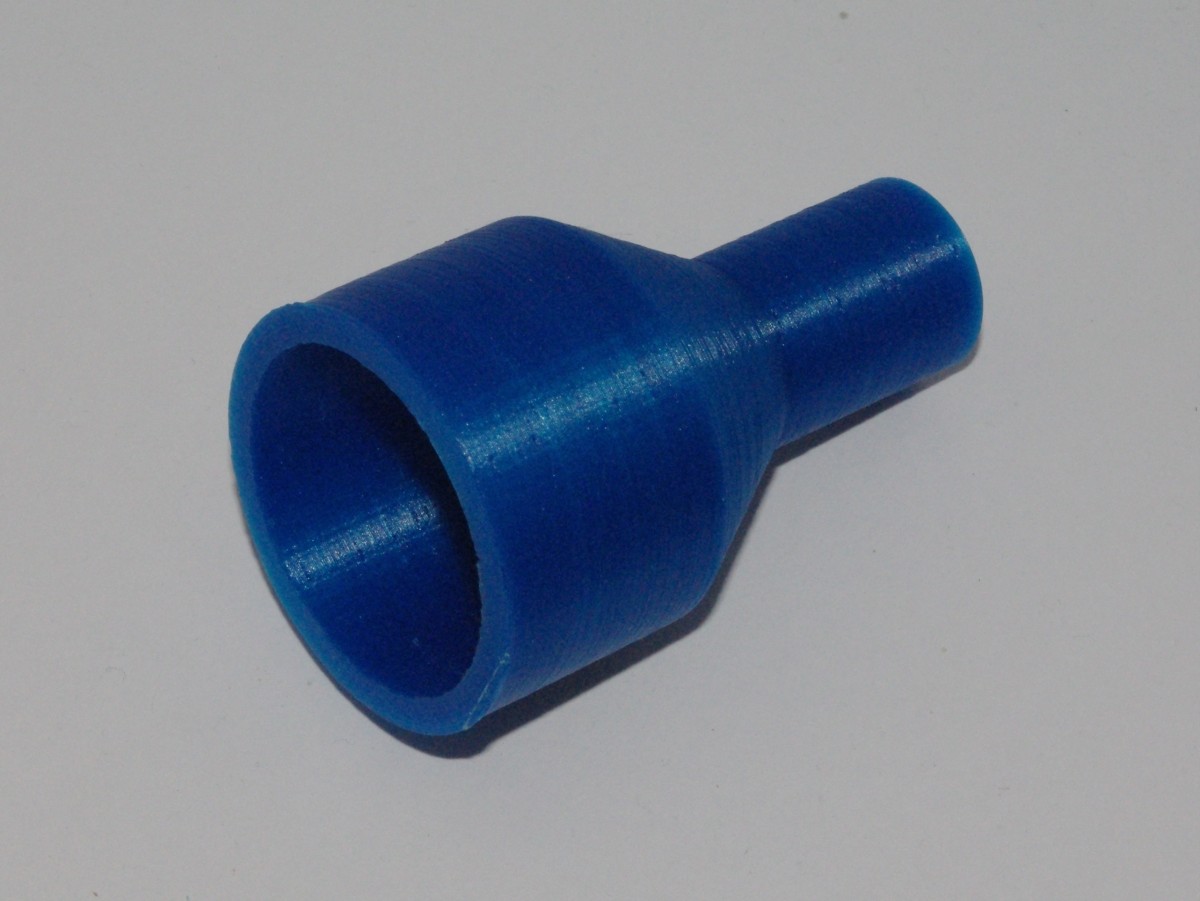
Parametric Pipe/Rod/Tube Adapter
April 15, 2014 · claude
3D Printing
This openScad file is a pipe, tube or rod adapter. It lets you fit together two pipes of different diameters. Edit the file. Modify the first pipe diameter, the second pipe diameter, the adapter thickness and the total height. Render the file and you...
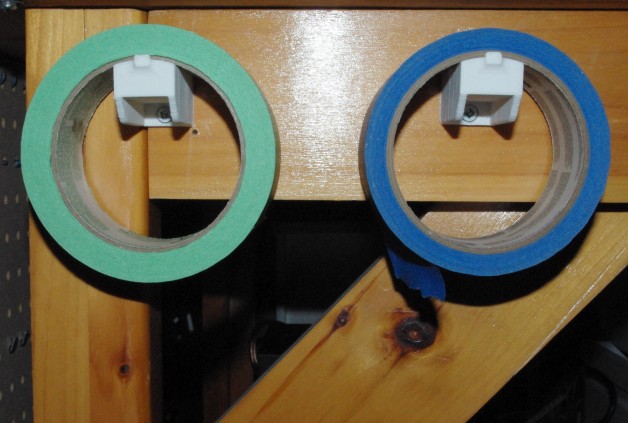
Tape Roll Holder Revisited
April 11, 2014 · claude
3D Printing
This is a simple holder for a Tape Roll. This design is much more robust than the previous one (Tape Roll Holder).
You simply need to screw it to a vertical surface. You can use it for other purposes obviously.
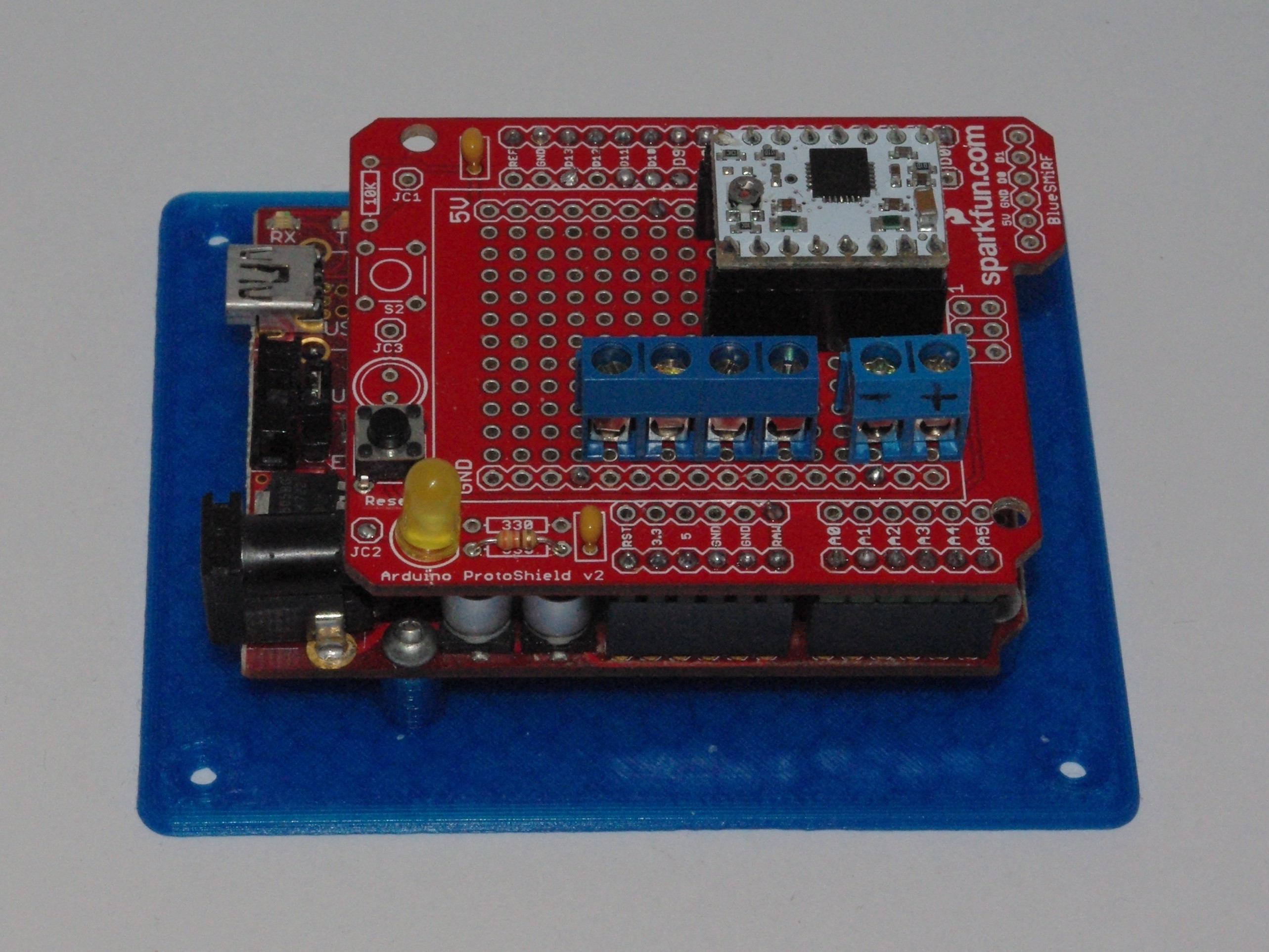
Mounting plate for Arduino UNO/Duemilanove/Diecimila
April 6, 2014 · claude
Arduino
3D Printing
A simple mounting plate for the Arduino UNO, Duemilavone, Diecimila, Freeduino or any other compatible boards.
Use #4-40 screws to mount the board on the mounting plate.
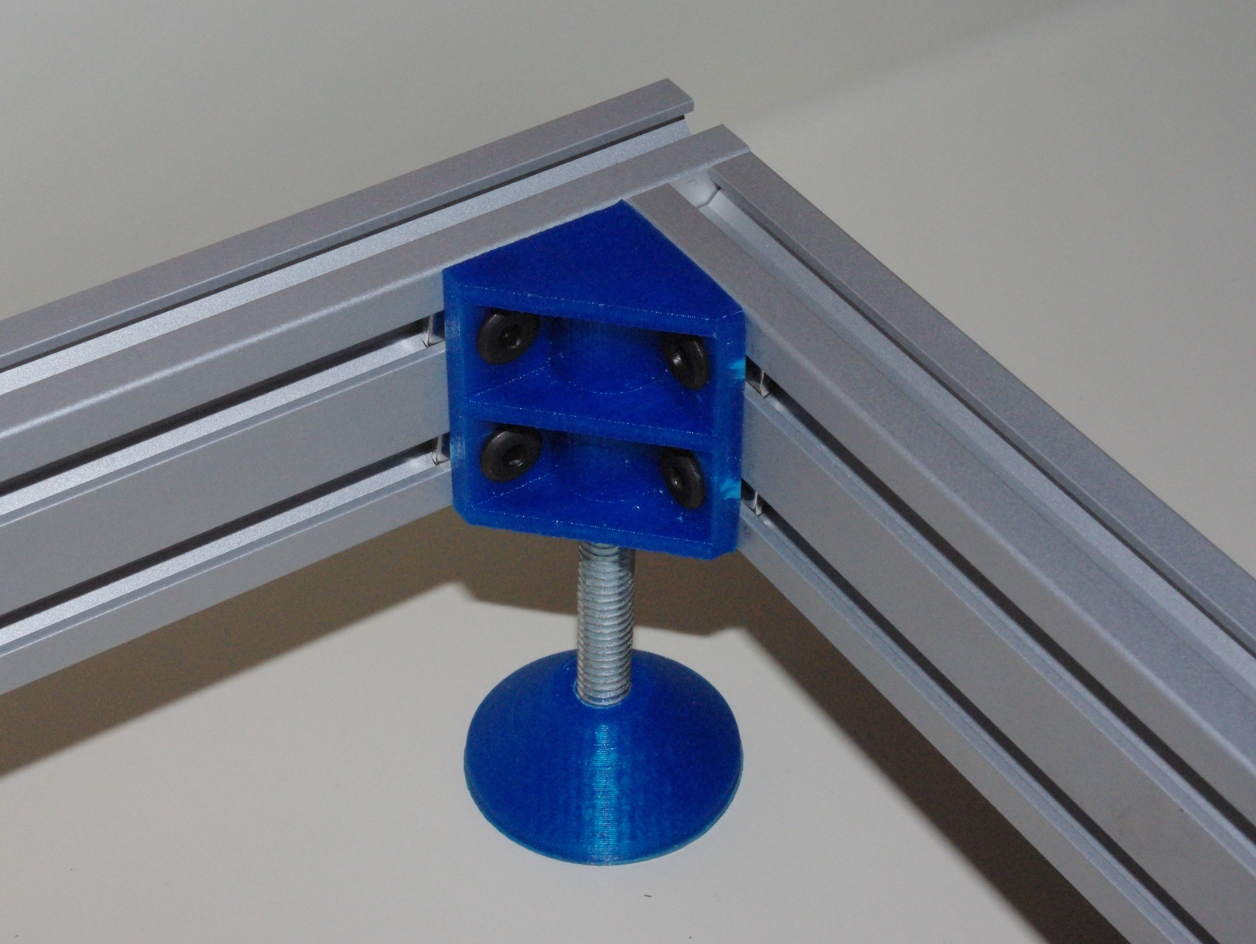
40 MM Angle Bracket With Adjustable Foot
March 10, 2014 · claude
3D Printing
This is an adjustable foot for 40 mm T-Slot aluminium extrusion combined with a 90 degree bracket. It was design, especially for a 3D printer. It can serve other purposes obviously. You will likely need 4 feet and 4 angle brackets. Furthermore, you...
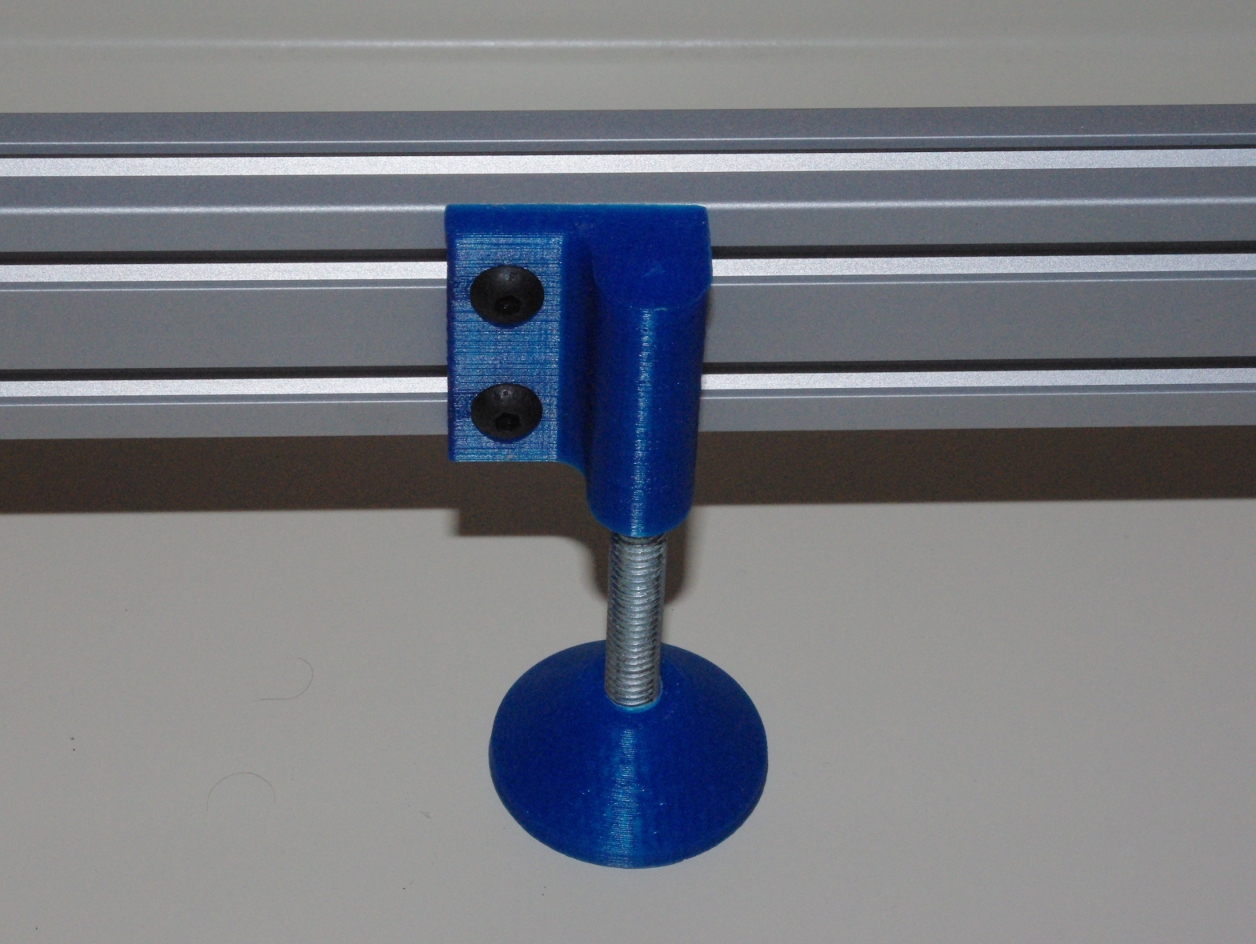
40 MM T-Slot Adjustable Foot
March 7, 2014 · claude
3D Printing
This is an adjustable foot for 40 mm T-Slot aluminium extrusion. It was design, especially for a 3D printer. It can serve other purposes obviously. You will likely need 4 feet, 2 right and 2 left supports. Furthermore, you will need four threaded...
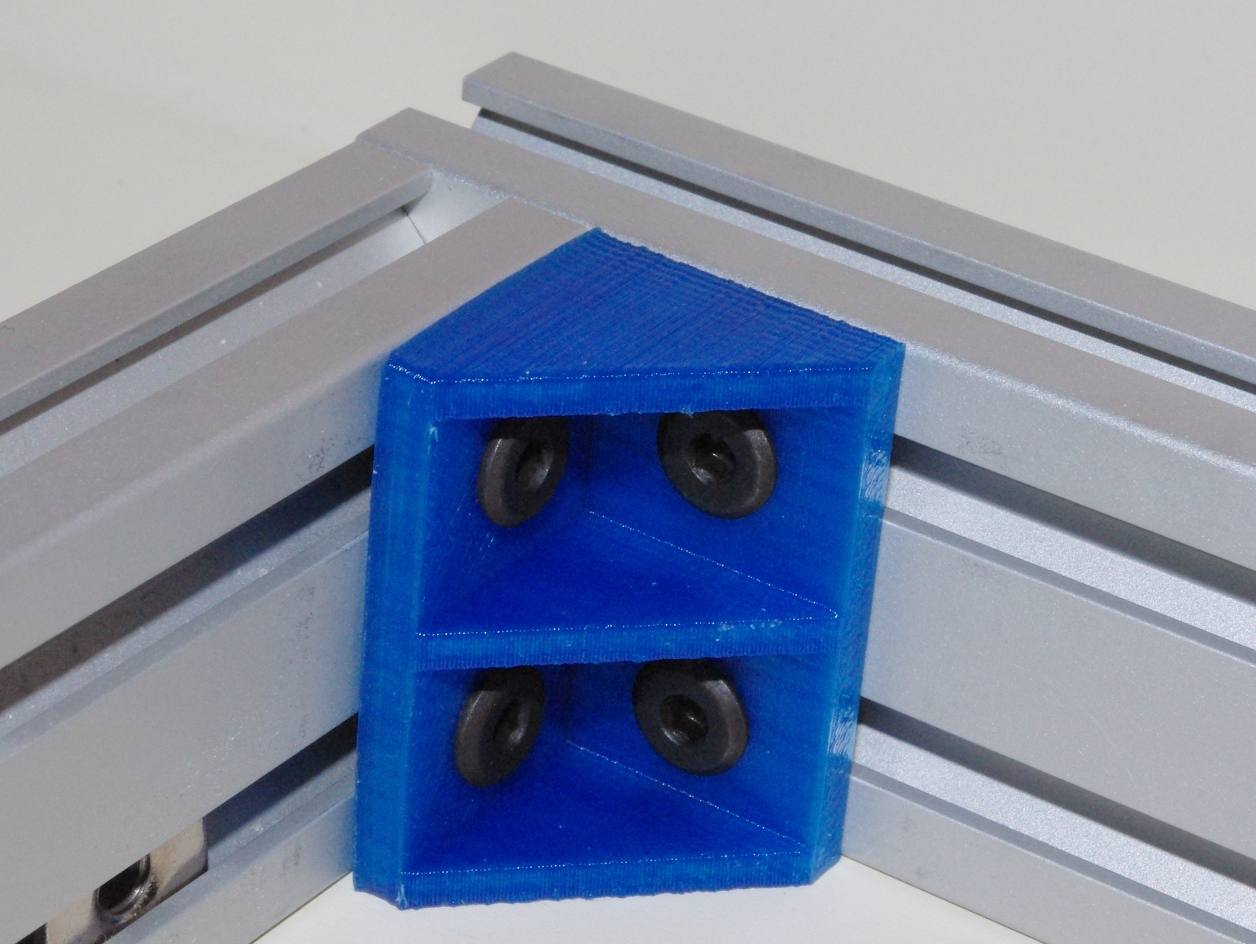
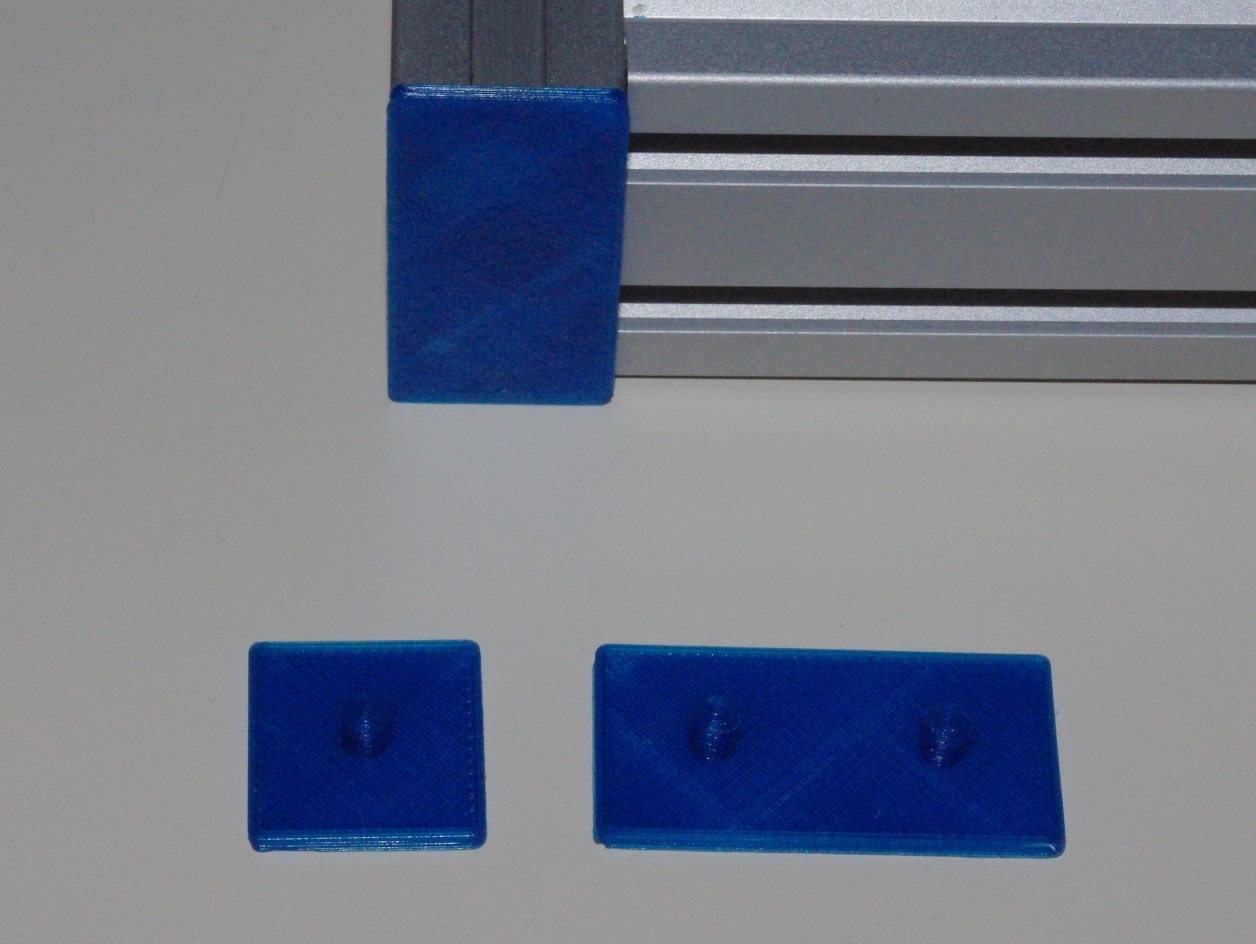
20 MM T-Slot End Caps
March 4, 2014 · claude
3D Printing
20 mm x 20 mm, 20 mm x 40 mm and 20 mm x 60 mm T-Slot end caps.
How to use the command line to make the internal speaker beep
March 1, 2014 · claude
Ubuntu 11.10
Unix
Ubuntu 11.04
+2
Two simple steps:
Install the beep utility. Executing beep on the command line will make the internal speaker beep.
apt-get install beep
Add pcspkr to /etc/modules to load it at boot time. You can load it manually by executing
modprobe pcspkr
Tags
- All
- 3D Printing
- ABS
- Android
- Apache
- Arduino
- ARPI600
- ASUS
- Automation
- Battlefield
- Blogroll
- Certificate
- Chrome
- Cree
- Cura
- Database
- Debian
- Eclipse
- Electronic Component
- ESP8266
- Firewall
- Games
- GCode
- General
- GIT
- GitHub
- GO2NFC
- Handbrake
- Hardware
- Internet of Things
- IoT
- Java Applets
- Linux
- MAC OS X
- Management
- Mantis
- Marlin
- Memcache
- Mountain Lion
- MySQL
- Networking
- NodeMCU
- NVIM
- Object
- Octoprint
- Openssl
- Photos
- PHP
- phpMyAdmin
- PN532
- Postfix
- Prusa Mendel
- Ralink
- Raspberry PI
- RaspberryPI
- Raspbian
- Router
- RT5572
- SSH
- STM32
- Tomcat
- Trinket
- Ubuntu
- Ubuntu 11.04
- Ubuntu 11.10
- Ubuntu 12.04
- Ubuntu 14.04
- Ubuntu 15.04
- Ubuntu 20.04
- Unity
- Unix
- Video
- Virtual Box
- Wheezy
- WiFI
- Windows
- Windows 8
- Wink
- WordPress