
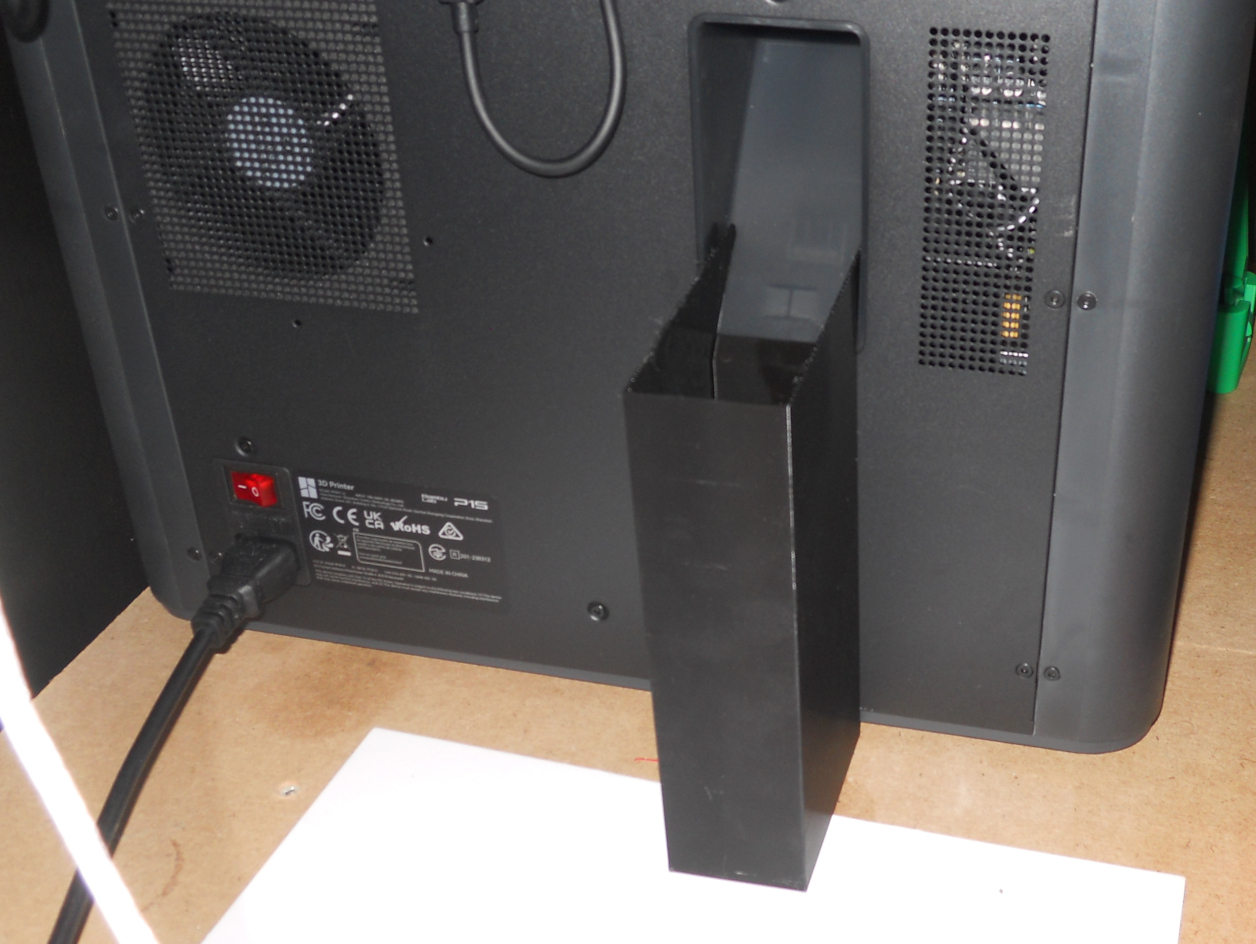
Bambu Lab Magnetic Poop Container
October 13, 2023 · claude
3D Printing
This is another Bambu Lab Magnetic Poop Container. It fits the P1P, P1S and the X1 series. Magnet up to 12 mm in diameter can be used. Their thickness can be 2 mm, 3 mm and/or 4 mm. Up to 4 magnets of each size can be used. Usually 2 of them is...
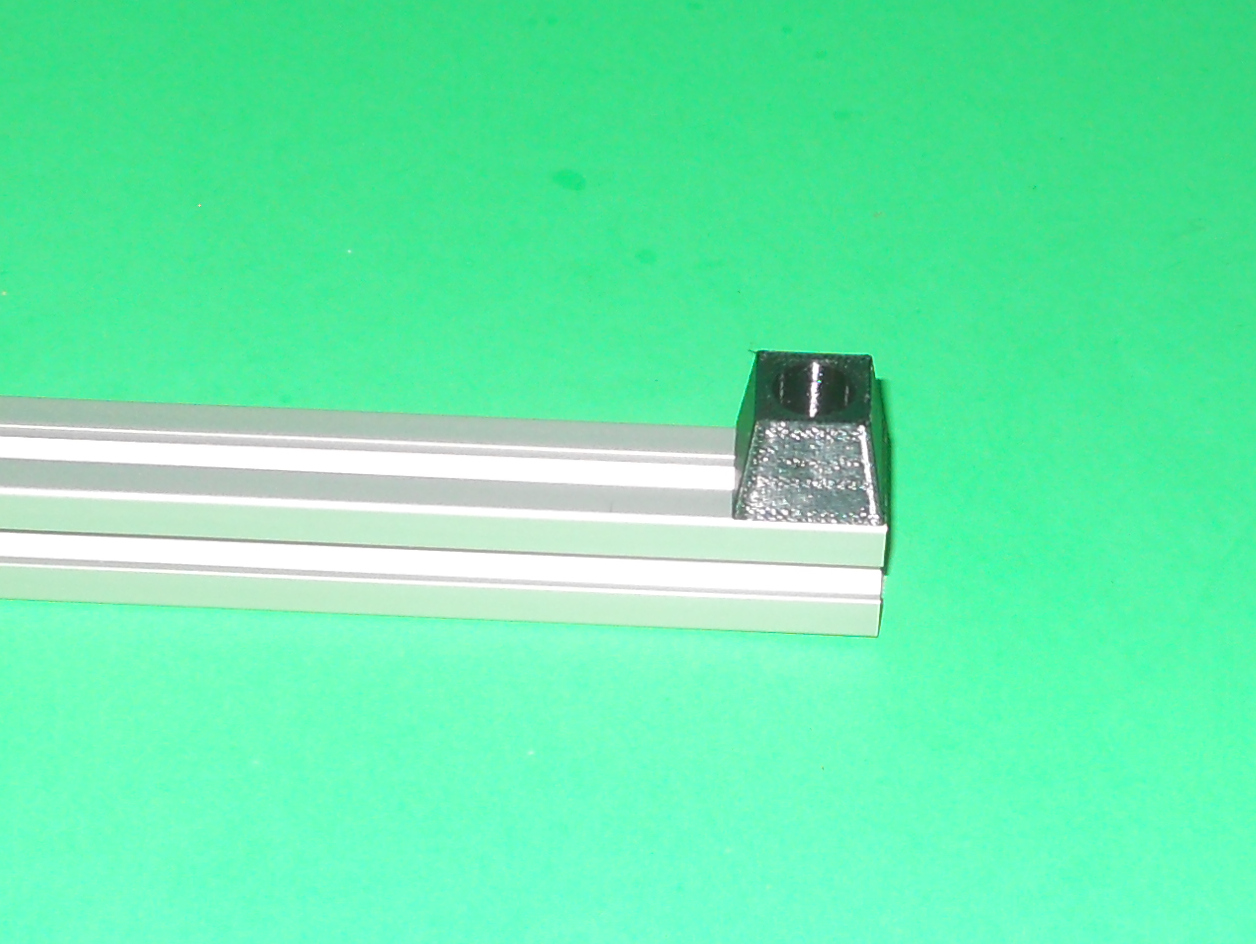
Parametric Foot
October 6, 2023 · claude
3D Printing
This openSCAD script create feet for projects. It was designed for aluminum extrusion, but can be used for other purposes. The thickness of the sides will have an impact on vibration dampening. TPU is recommended. The given example is for 20 x 20 mm...
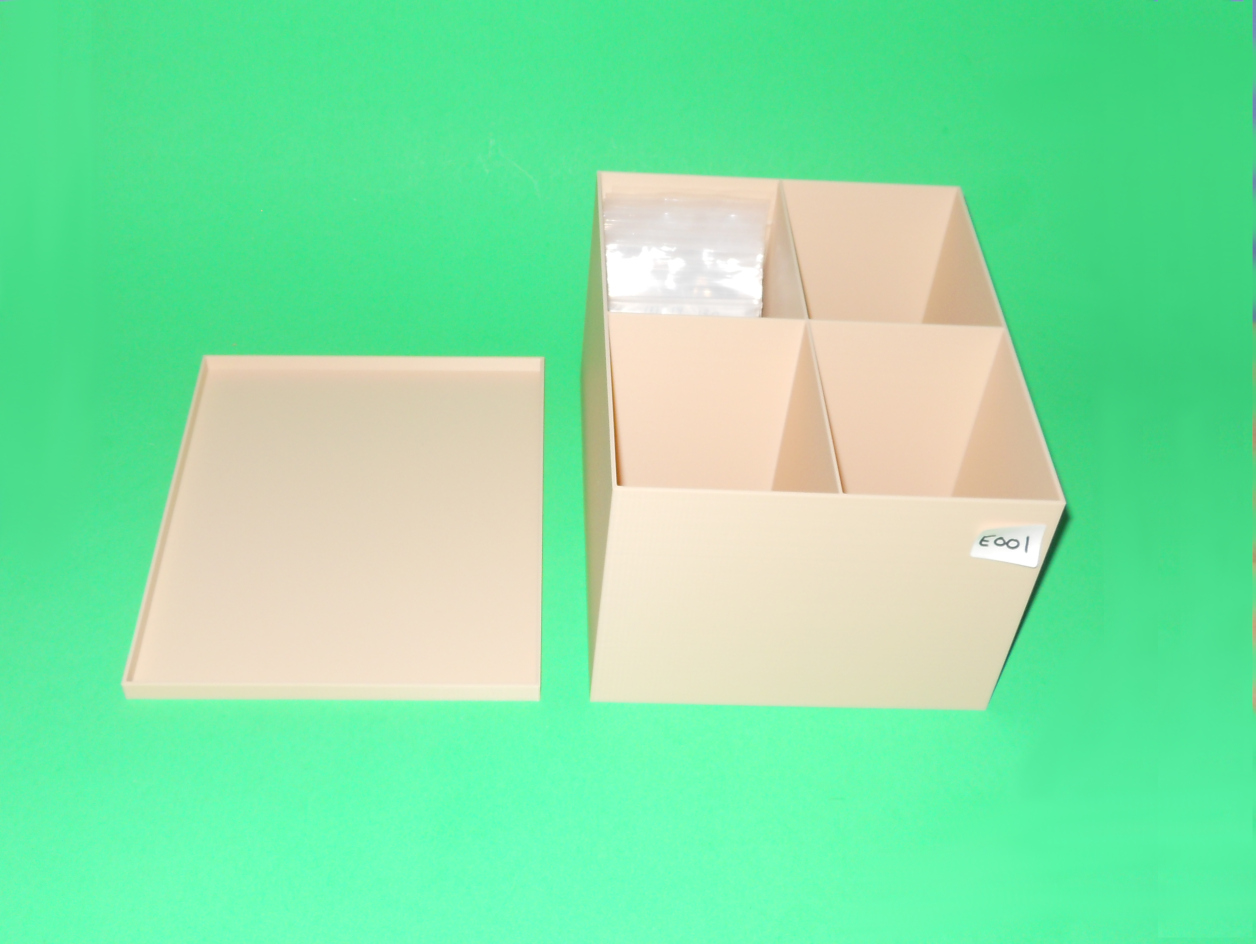
Arbitrarily Compartmented Box With Overlapped Lid
September 29, 2023 · claude
3D Printing
This is a parametric compartmented box with overlapped lib. The example is a box that contains electronic boards in small bags.
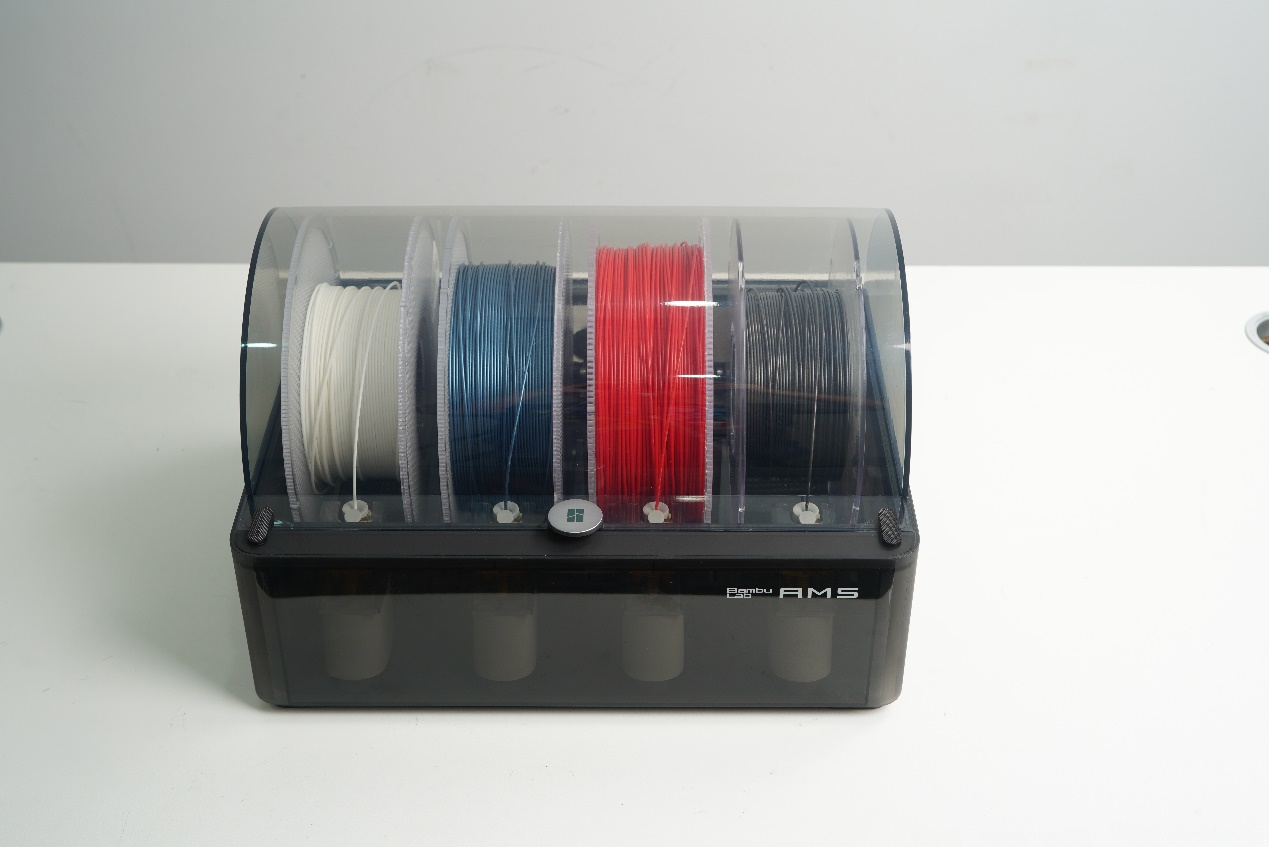
Spools compatible with the Bambu Lab AMS
September 28, 2023 · claude
3D Printing
This post lists the spools compatible with the Bambu Lab AMS. I've used them.
Parametric Device Holder
September 23, 2023 · claude
3D Printing
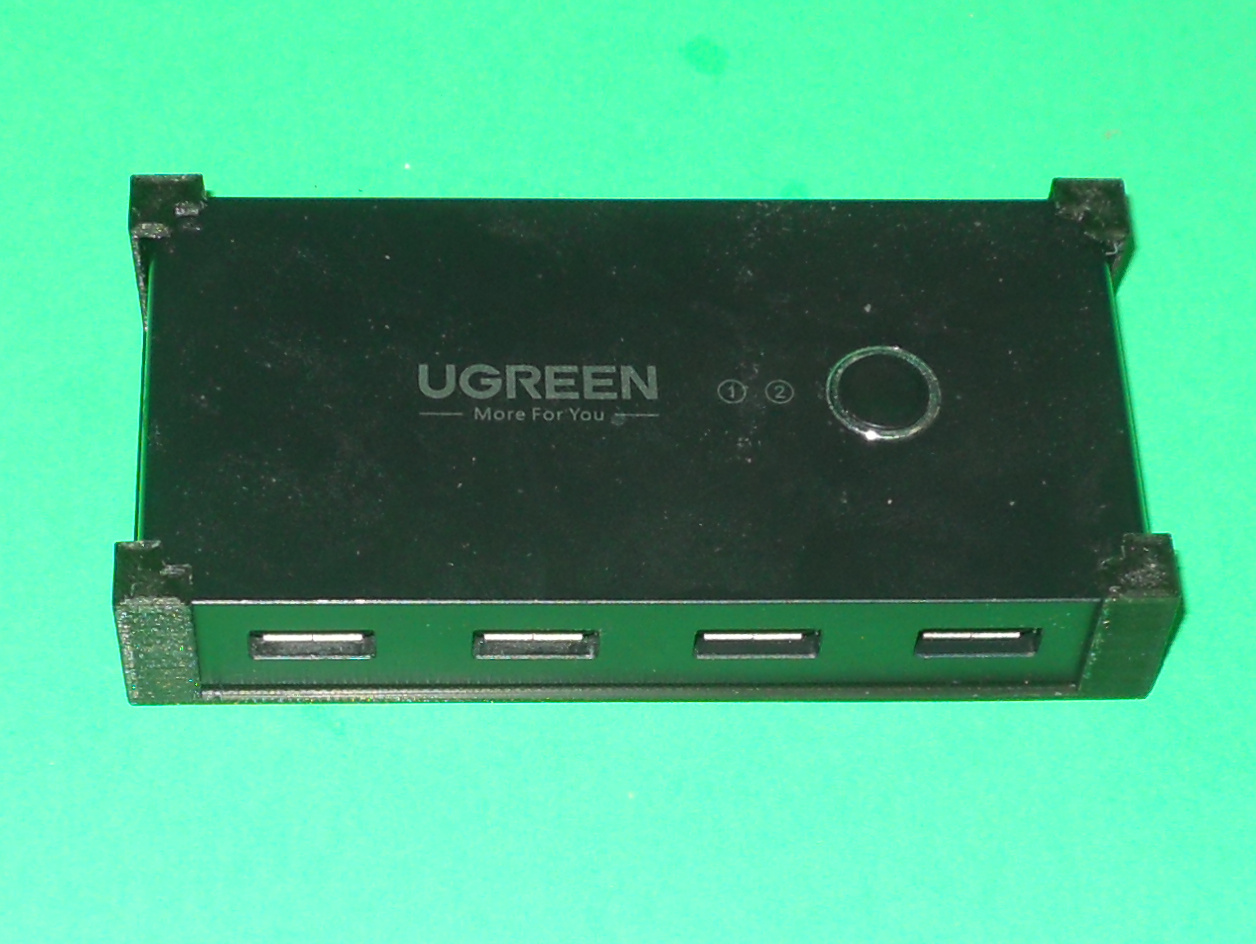
This is a parametric device holder for square devices. Options are provided for screw mounting holes. By adjusting the parameters will make it fit any square devices. Three practical examples are given.
Bambu Lab P1P/P1S Screen Removal Tool
September 16, 2023 · claude
3D Printing
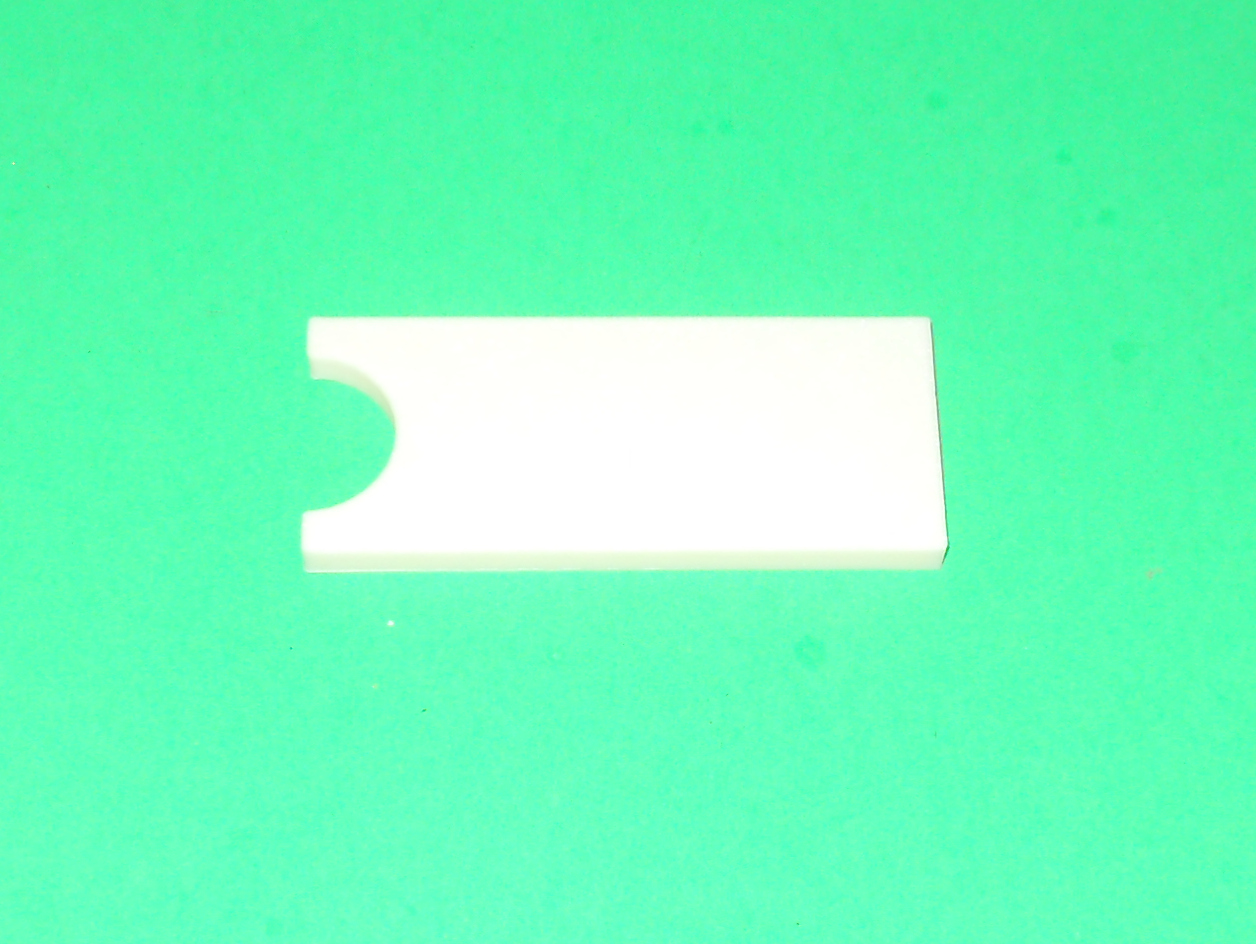
This is a simple tool that helps to remove the screen of a Bambu Lab P1P or P1S. Removing the screen after it was installed is a bit difficult. This tool prevents you from pushing on the screen itself. Use this tool to push the base of the screen to...

Mount a BitLocker partition on a Linux system
This post explains how to mount a BitLocker partition on a Linux system. You'll need the BitLocker recovery key to do so, along with the device file (/dev/sd?) of the BitLocker encrypted partition. The post http://www.ctheroux.com/mount-a-partition-f...
Mount a partition from a full disk image file on Linux
This post explains how to mount a partition from a disk image file on a Linux system. Such a file may have been created using the dd command. The disk image file in this example is named windowsws.img. This is the image of a disk that contains a...
Linux whole data disk encryption
This post give the main steps to achieve full data disk encryption. The disk password will be required during boot time. You will need the device name of the disk to perform this procedure. MAKE SURE YOU HAVE THE RIGHT DEVICE NAME. OTHERWISE, YOU...
How to create an encrypted file and open it
You'll find in this post the basic steps to create an encrypted luks file and open it. You'll need to perform the following steps to create it:
Tags
- All
- 3D Printing
- ABS
- Android
- Apache
- Arduino
- ARPI600
- ASUS
- Automation
- Battlefield
- Blogroll
- Certificate
- Chrome
- Cree
- Cura
- Database
- Debian
- Eclipse
- Electronic Component
- ESP8266
- Firewall
- Games
- GCode
- General
- GIT
- GitHub
- GO2NFC
- Handbrake
- Hardware
- Internet of Things
- IoT
- Java Applets
- Linux
- MAC OS X
- Management
- Mantis
- Marlin
- Memcache
- Mountain Lion
- MySQL
- Networking
- NodeMCU
- NVIM
- Object
- Octoprint
- Openssl
- Photos
- PHP
- phpMyAdmin
- PN532
- Postfix
- Prusa Mendel
- Ralink
- Raspberry PI
- RaspberryPI
- Raspbian
- Router
- RT5572
- SSH
- STM32
- Tomcat
- Trinket
- Ubuntu
- Ubuntu 11.04
- Ubuntu 11.10
- Ubuntu 12.04
- Ubuntu 14.04
- Ubuntu 15.04
- Ubuntu 20.04
- Unity
- Unix
- Video
- Virtual Box
- Wheezy
- WiFI
- Windows
- Windows 8
- Wink
- WordPress